
Infinite Painter

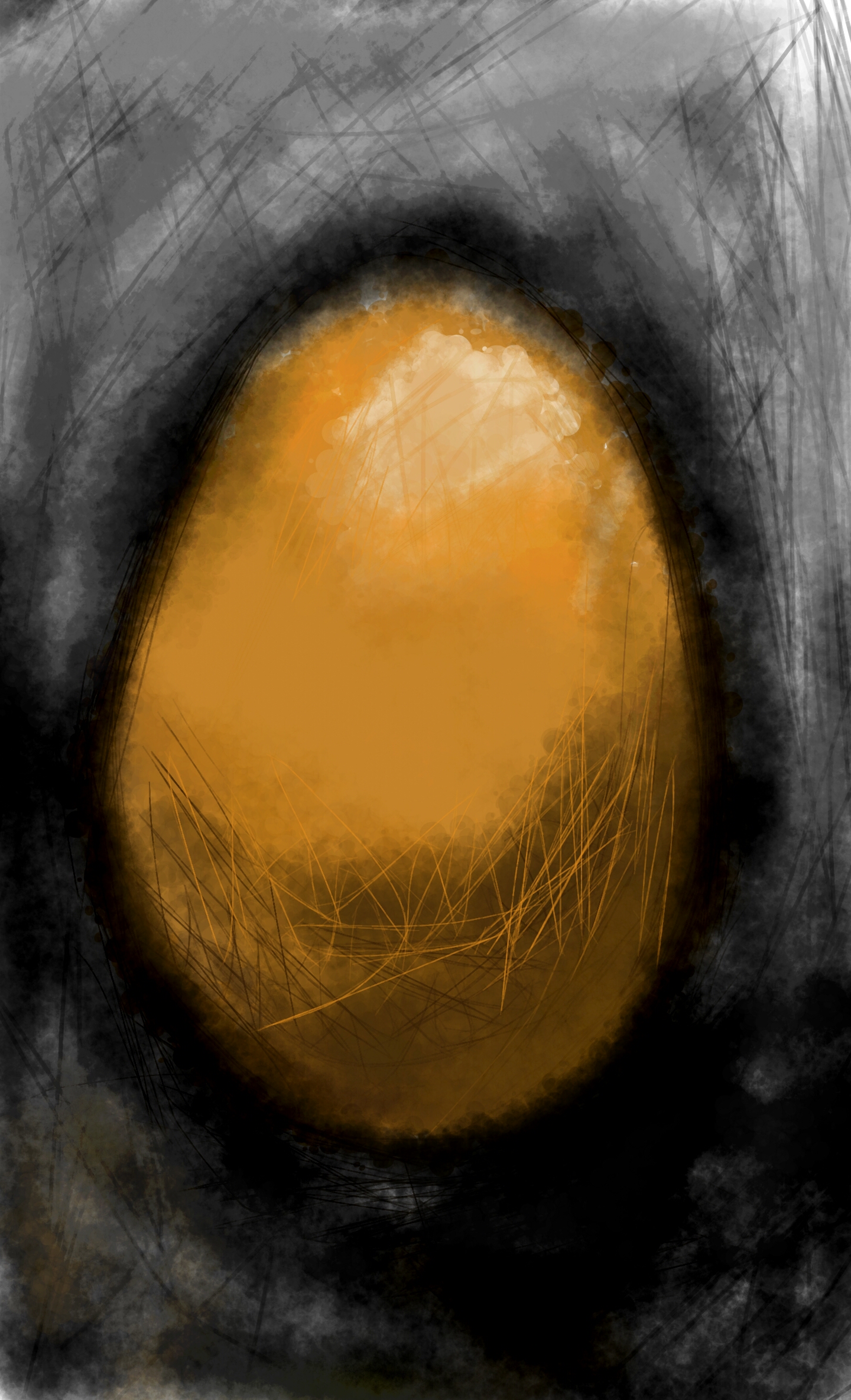
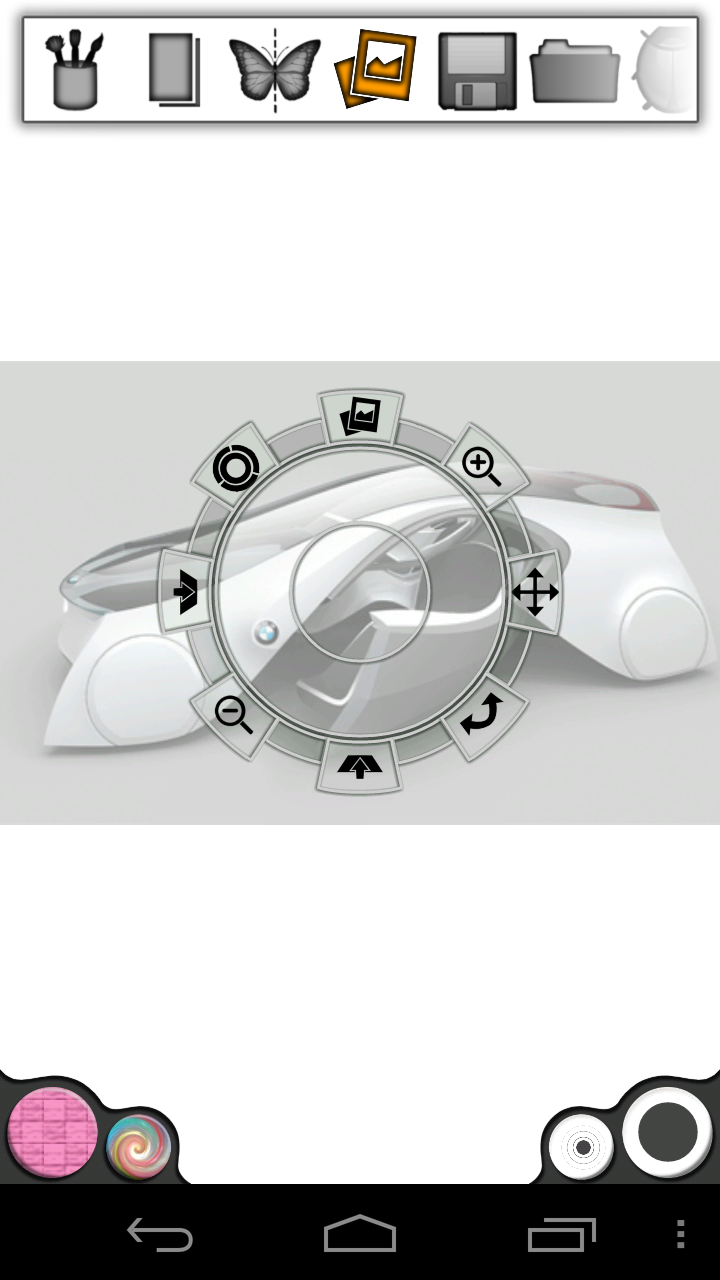
Imagine. Create. Experience the natural artistic environment of Infinite Painter. This app offers a multitude of brushes designed to replicate realistic mediums. It offers a variety of features built to optimize and streamline the workflow of the artist. It works well with Infinite Design, allowing the user to export their projects from Infinite Design into Infinite Painter with the click of a button. It has five different types of symmetries you can use (X-Axis, Y-Axis, Arbitrary Angle, Radial, and Kaleidoscopic). It utilizes a smart menu system and a fluid interface, seeking to make work flow on the go much easier. Navigation is as easy as putting two fingers on the screen and dragging the canvas or pinching to zoom. The auto save feature also comes in handy, automatically saving your layers and reloading them when you return. You can save your project, and all of your layers stay intact. You can also export your image with or without the background. Besides these fundamental necessities, Infinite Painter also offers image importing in four different ways (Camera, Gallery, Google Image Search, and the current painting itself). After importing an image, you can translate, re-size, rotate, flip or recolor it to your liking. You then have the option to either stamp or rub the image onto the canvas. This application has been designed especially for the Galaxy Note, supporting pressure-sensitivity and allowing Galaxy Note users to use the built in brushes that Samsung has developed specifically for the Note on a non-destructive layer. Infinite Painter also provides a dedicated blending button, allowing you to switch easily from painting to blending as you bring your artwork to life.
Key Features: -Six layers and unique layer options: Merge, Flip, Duplicate, and a dedicated Galaxy Note layer. -Carefully designed brushes to replicate natural mediums. -Five types of symmetry: X-Axis, Y-Axis, Arbitrary Angle, Radial, and Kaleidoscopic. -Saving layers and the ability to save the image on a transparency for ease of use in Photoshop. -A relative menu system. -Import images from all over the internet with Google Image Search. -Rub images onto the canvas. -A fluid interface that is fully optimized for the Samsung Galaxy Note
14 comments
Chelsea Thouvenot • about 14 years ago
This has got to be the best painting app for the Note so far! The interface is really different, but after a few days with it, it feels really natural. The blending is probably my favorite part. I really like being able to do a Google image search with it too. All the other painting apps I've tried have only let me import pictures from the gallery or my camera. And I love the symmetry tools! It looks like this app is really building a following too:
http://forum.xda-developers.com/showthread.php?s=de80afffd25e7fdde5734cf50a2c8d26&t=1580750
Sean Brakefield • about 14 years ago
Thank you! I actually stumbled across that forum two days ago. I appreciate all your support. If you have any questions or suggestions involving the app, feel free to ask.
Grégory Gonzalez • about 14 years ago
Do you plan to port it on others android devices?
Sean Brakefield • about 14 years ago
Hey Greg, good question. Infinite Painter is available for all android devices running Android 2.1 and later. This version is specifically designed for the Galaxy Note and includes special features that are not available in the other versions. Here is the link to the other version:
https://play.google.com/store/apps/details?id=com.brakefield.painterfree
Grégory Gonzalez • about 14 years ago
oh thanks for the info, didn't see it !
So, new question : do you plan to add a surface pressure recognition ? ( I mean not with a S-pen )
Sean Brakefield • about 14 years ago
Pressure sensitivity is included in all versions of Infinite Painter.
Sean Brakefield • about 14 years ago
Pressure sensitivity is included in all versions of Infinite Painter.
Sandra Sarraf • about 14 years ago
This is a really really nice app. Congratulations
Joan Cabot • about 14 years ago
Hi. The app is wonderful. It has all the potential to be the definitive android painting app. The best interface for speed painting on the Note. Here are a few bug reports so it can be improved.
- The dial tool on the color bucket should be opacity instead of value (or better give the option to choose one or the other in settings)
- the pen pressure behavior is hard-coded into every brush. Is not consistent. for one brush controls size, for the next is opacity. Better to put an option in settings for pressure to control size, opacity, or both globally.
- some brushes multiply the color when opacity is not 100%
- some brushes don't create a smooth continuous path but a set of straight line segments. Impossible to draw a curved line. - The color picker doesn't update the color stored in the lower left color bucket.
-Blending ignores Background color. Uses black instead.
- Selected color is not recognizable if opacity is low. Don't display opacity in the bottom left color circle. Just full color.
A few fixes and will deserve 6 stars.
Sean Brakefield • about 14 years ago
Thank you. I have a few things planned for future releases of Infinite Painter. For example, I plan to add in the choice of changing opacity instead of shade when sweeping out from the Color Button as per request. I will also be creating a Brush Manager that will allow you to edit the default brush settings and create your own brushes. The blending is layer independent. It does not consider the background color because the background is treated as a canvas. This separation makes it easier to change the background color without having residual fading from the last background color. If the blend is not near any painted colors then it defaults to the selected color. I am working out these bugs and I will also be considering your feedback in the future updates and I appreciate all your support. If you have any other suggestions, please feel free to email me or comment back.
Thank you,
-Sean
Bobby Brakefield • about 14 years ago
just getting use to it but seams to great potential!
Tony Bright • about 14 years ago
Camy turned me on to this so we played with it last Wednesday. This app rocks. Thanks Sean.
Sujith Ramakrishnan • about 14 years ago
Good app. I thought you would win....
Sean Brakefield • about 14 years ago
Thank you, Sujith. I am also disappointed with the results, but I appreciate all the support and encouragement from my customers and will continue making Infinite Painter even better. Thank you, everyone.